Wayback Machine alternatives
Nine archives and capture tools, the job each one is built for, and which of them still work.
Match the job to the tool first
Here is the short version. Find your situation on the left, and each answer links to the full entry below.
- A page pinned right now, free
- Archive.today.
- A citation that has to resolve in ten years
- Perma.cc.
- The same page captured on a schedule
- Stillio.
- A record built to survive legal scrutiny
- Pagefreezer.
- A page that only shows its content when clicked
- ArchiveWeb.page, which continues what Conifer started.
- A page where the video matters
- Ghostarchive.
- Searching several archives at once
- Memento, through its browser extension or a self-hosted aggregator. The old hosted website is gone, and the protocol still works.
- A site that is already gone and needs to come back as files
- A Wayback Machine downloader, including this one.
Why people look for an alternative
Most searches for a Wayback Machine alternative come from one of four situations, and they need different tools.
The page you want was never captured. The Archive’s crawler reaches a lot of the web and not all of it. A different archive may hold what it missed.
You need capture on a schedule. You want a page recorded every day at a set time, with the timing under your control.
You need the record to hold up as evidence. A screenshot is easy to dispute, and some services are built specifically for that requirement.
You want a permanent citation link. You are writing something that cites a web page and you need the link to still resolve years from now.
Choosing an archive and getting pages back out of one are different jobs.
Comparing the archive alternatives: Archive.today, Perma.cc, Stillio and the rest
The nine tools below, read across three questions: what each one captures from a web page, whether it is a hosted service or something you run, and whether it works today. The full entries follow the table.
| Tool | What it captures | Hosted or self-run | State today |
|---|---|---|---|
| Archive.today on-demand page capture | One web page, as text and as a graphical snapshot | Hosted | Working |
| Perma.cc permanent citation archive | One cited web page, kept as a permanent record | Hosted, by libraries | Working |
| Stillio scheduled page screenshots | Screenshots of a page on a repeating schedule | Hosted | Working |
| Pagefreezer compliance archiving | Whole sites, as evidence-grade records | Hosted, enterprise | Working |
| ArchiveWeb.page interactive capture | A page including what your clicks reveal | Self-run, browser extension | Working |
| Ghostarchive research archive | A web page, with more effort made on video | Hosted | Working |
| Memento multi-archive lookup | Nothing itself; it finds snapshots other archives hold | Self-run aggregator or extension | Protocol working, old hosted site gone |
| Conifer session capture | An interactive copy of a page you browse | Hosted | Winding down, June 2026 |
| Archivarix archive downloader | Pages back out of an archive, as files | Hosted | Working |
Read down the third column and the real split appears. Most of these are a hosted web service, which means the archived page lives on somebody else’s machine and survives only as long as they keep paying for it. Conifer and the old Memento website are what that risk looks like when it lands.
The self-run options invert that. An ArchiveWeb.page capture, or a Memento aggregator you host yourself, puts the archived web page on your own disk, where no funding decision reaches it. For a one-off, Archive.today and Perma.cc remain the quickest hosted snapshot of a single page, and Stillio is the one that keeps taking screenshots on a schedule.
The alternatives, one job at a time
For a page pinned right now, use Archive.today
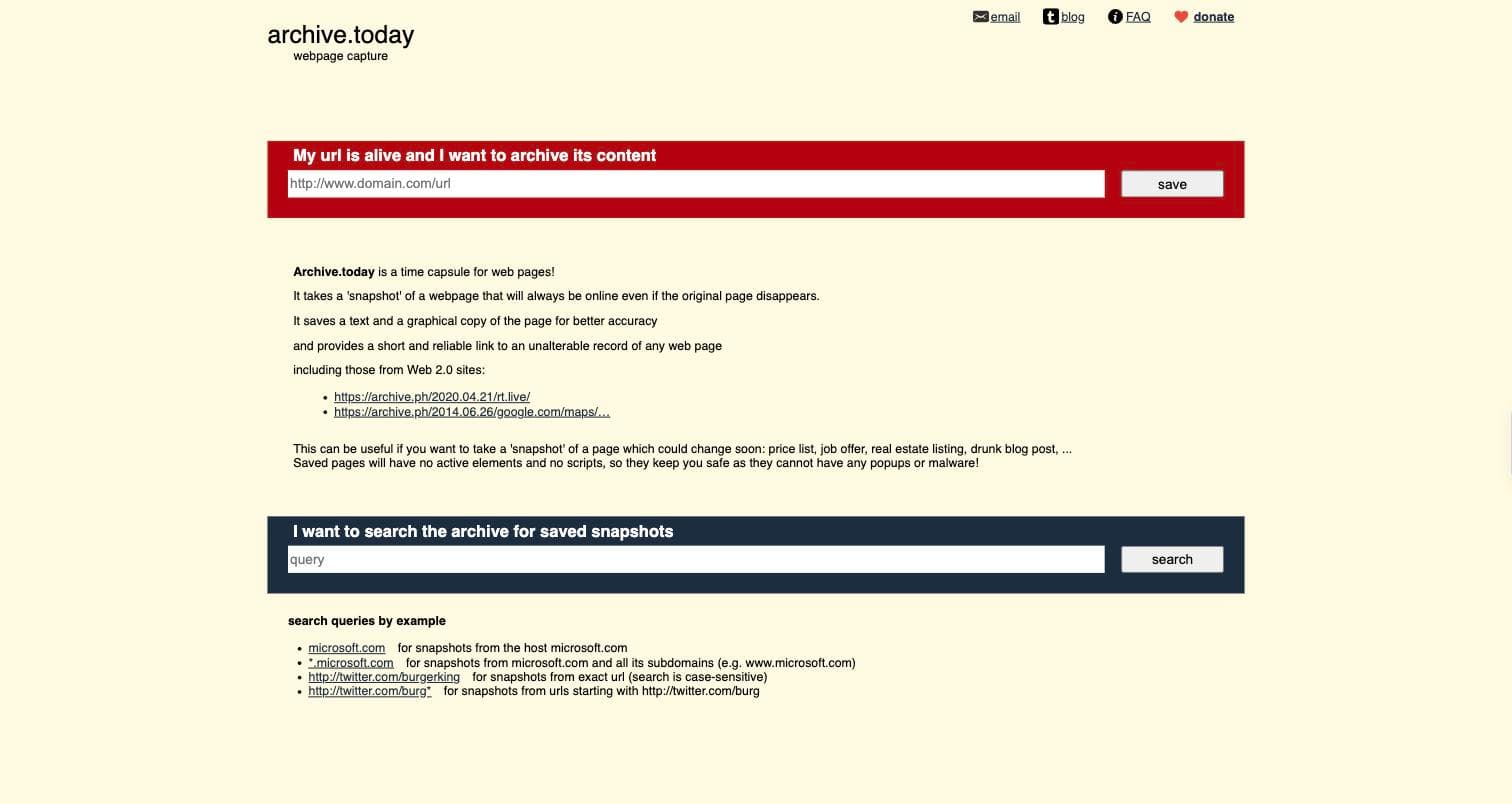
Archive.today takes a snapshot of a page you point it at, and saves both a text copy and a graphical copy. It provides a short link to the saved record, and its own description says the snapshot stays online even if the original page disappears.
Use it when you want a page pinned now and you do not want to wait for a crawler to arrive.
For citations that have to keep resolving, use Perma.cc
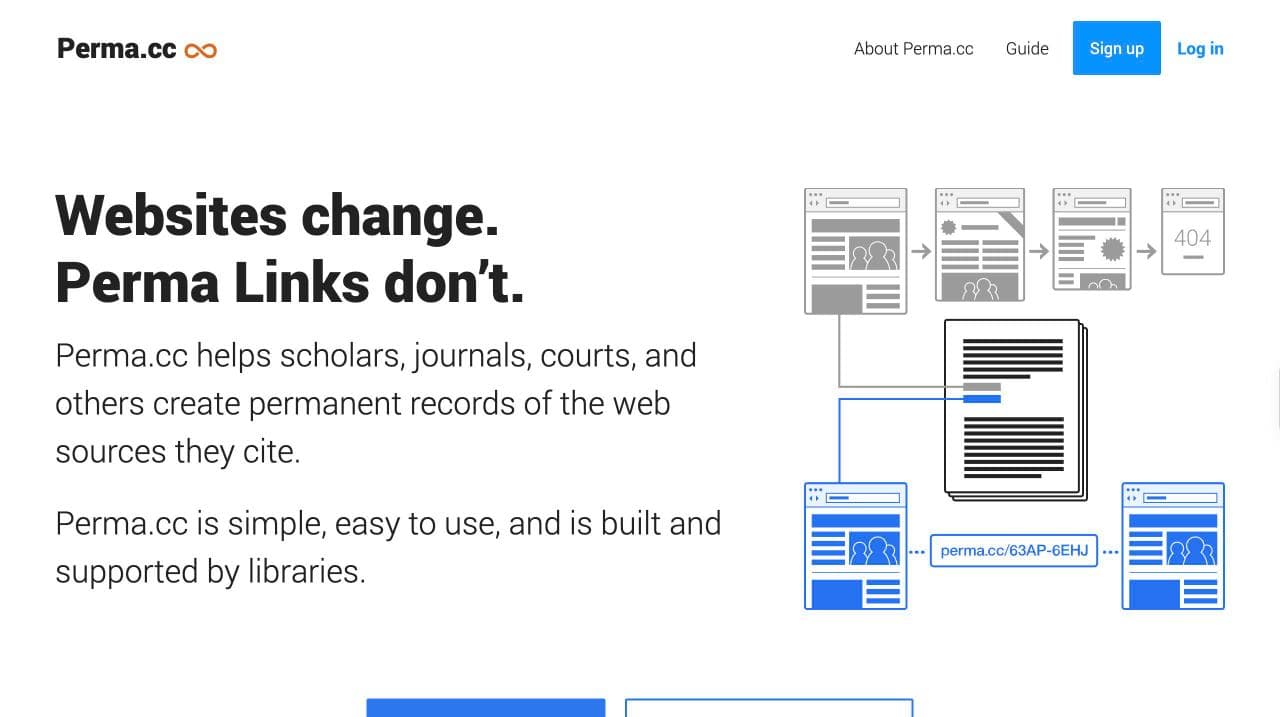
Perma.cc helps scholars, journals, courts, and others create permanent records of the web sources they cite. Its own site says it is developed and maintained by the Harvard Law School Library, and that it was built by Harvard's Library Innovation Lab. The problem it exists to solve is link rot.
Use it for footnotes and briefs, where a citation to a page that has since changed is a real problem.
For screenshots on a schedule, use Stillio
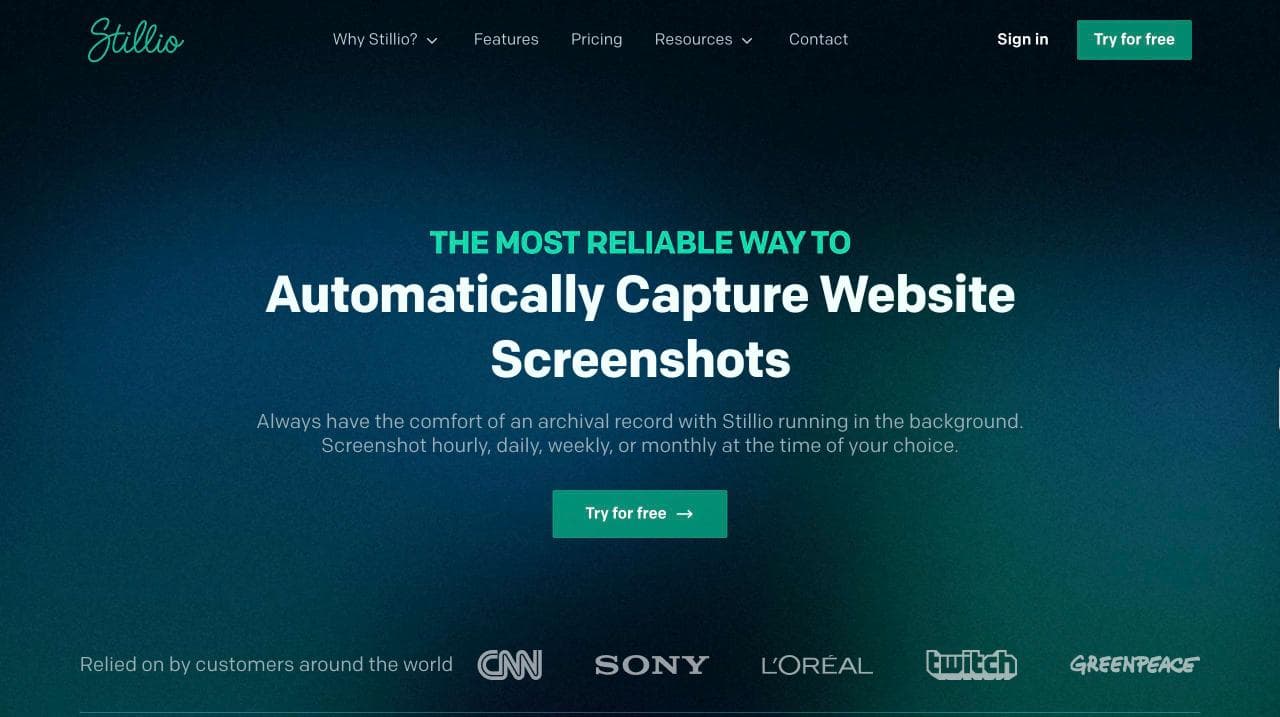
Stillio captures website screenshots automatically on a schedule. Its own site offers hourly, daily, weekly or monthly capture at a time you choose, running in the background.
Use it when you need a page recorded at a set cadence: a competitor's pricing page, a compliance page, your own site during a migration.
For compliance and legal hold, use Pagefreezer
Pagefreezer is digital archiving software aimed at compliance and legal work. Its own site organises the product around government FOIA and open records, financial services compliance, eDiscovery and litigation readiness, legal hold and retention, and online evidence collection.
This is enterprise software with enterprise pricing. Use it when a regulator or opposing counsel is the audience for the archive.
Conifer is winding down, so start nothing new there
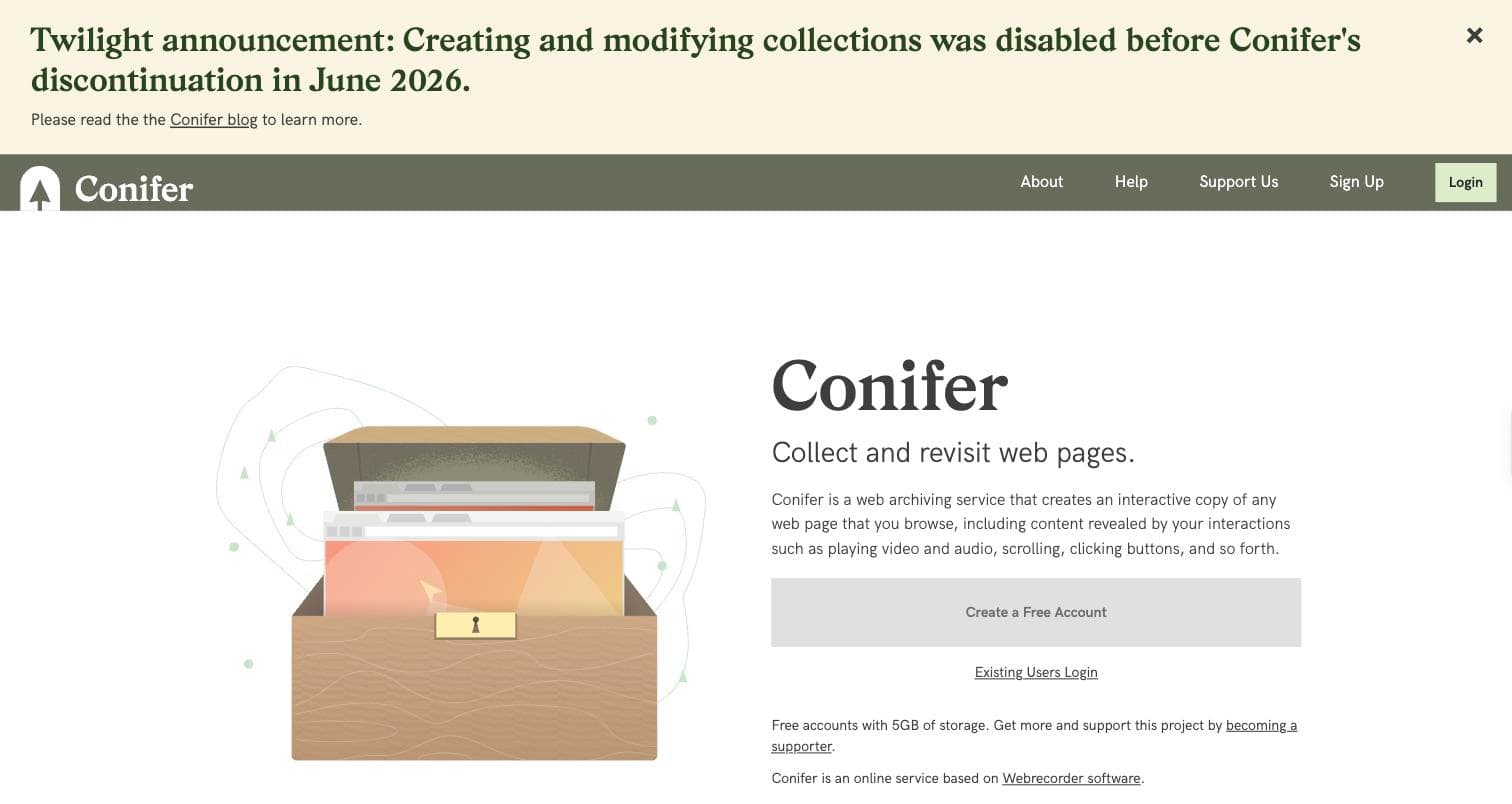
Conifer creates an interactive copy of any web page you browse, including content revealed by your interactions such as playing video and audio, scrolling and clicking buttons. It is a project by Rhizome, built on Webrecorder software.
Checked on 29 August 2026, its own homepage carries a twilight notice: creating and modifying collections was disabled ahead of Conifer's discontinuation in June 2026. Existing captures are still readable. Do not start anything new here. For the same capability that is still maintained, use ArchiveWeb.page below.
For searching several archives at once, use Memento through its extension or an aggregator
Memento is a protocol for asking many web archives, in one query, whether they hold a version of a URL at a given date. The project site is alive and its tools list is maintained. What is gone is the hosted website that used to run that query for you.
Checked on 30 August 2026, timetravel.mementoweb.org returns no DNS record from three resolvers, and the last working capture of it in the Wayback Machine is from 2 September 2025. The capability is not gone with it: the Memento Time Travel extension for Chrome and Firefox is still published, and MemGator and TimeStitch are open-source aggregators you can run yourself. Use one of those instead of the old website.
For a page that only shows its content when you interact with it, use ArchiveWeb.page
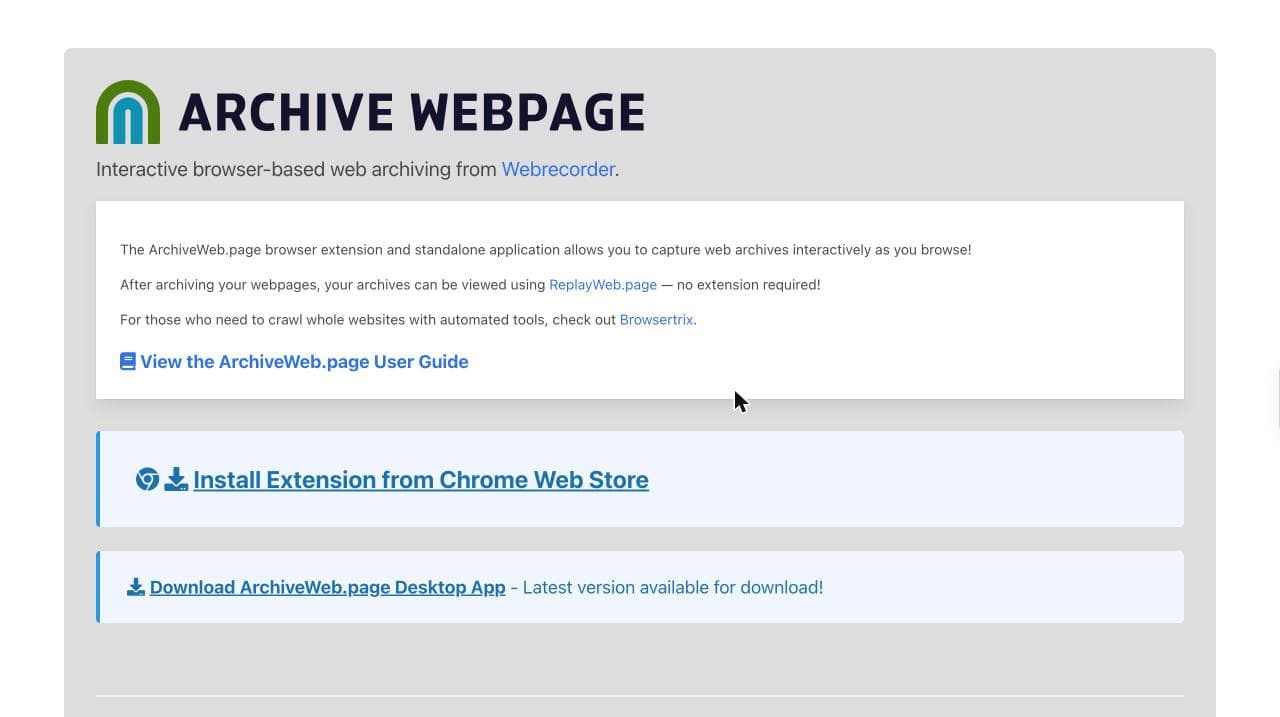
Interactive browser-based web archiving from Webrecorder. Its own site says the browser extension and standalone application let you capture web archives interactively as you browse, and that the results can be viewed with ReplayWeb.page without the extension. For crawling whole sites with automated tools it points to Browsertrix.
This is where Conifer users should go. Same idea, same lineage, still under active development. Use it when a page only reveals its content through interaction that a crawler will never perform.
For a page where the video matters, use Ghostarchive
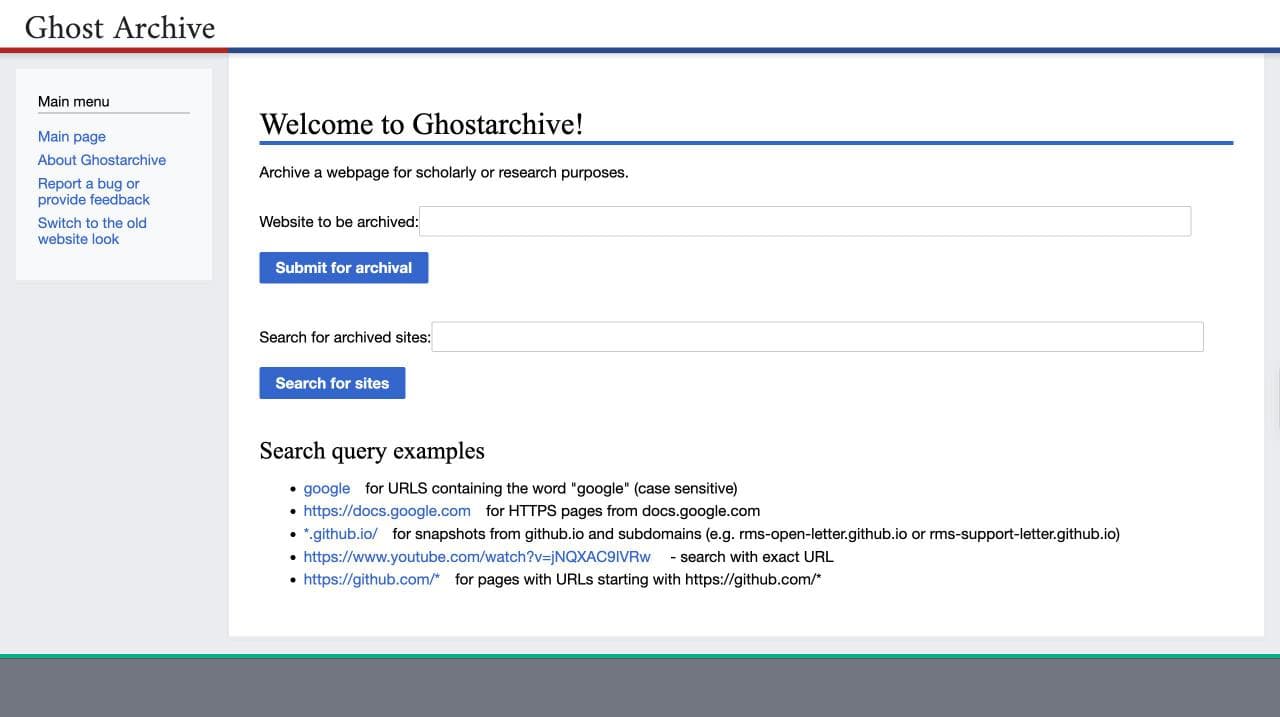
Ghostarchive invites you to archive a webpage for scholarly or research purposes. You submit a URL for archival, and you can search what it already holds by exact URL or by wildcard pattern across a domain.
Its search examples include an exact YouTube watch URL, which is the tell: this is one of the few places that has made an effort with video, where most web archives keep the page and lose the media.
For pulling a site back out of an archive, there is Archivarix
Archivarix is a wayback machine downloader and website downloader.
It sits in the same category as this site. It is a way to get pages back out of an archive.
Saving a page yourself
Two of the most useful Internet Archive alternatives are not archives at all. They put the copy in your hands instead of on somebody else’s server, which sidesteps the problem this whole page keeps running into: services close.
SingleFile is a web extension for saving a faithful copy of a complete web page in a single HTML file. One file, no folder of assets, opens anywhere years later. For anything you genuinely cannot afford to lose, a local copy beats a snapshot on a service whose funding you do not control.
CachedView checks several caches for a URL from one place, which saves querying each archive by hand when you are trying to find out whether a page survives anywhere. It was reachable when this page was checked on .
Neither takes snapshots on a schedule and neither gives you a citable permanent link. They are for the moment you are looking at something and want to keep it.
National and research archives
Beyond the commercial services there is a layer most lists never mention: web archives run by national libraries and research institutions. They are narrower in scope and often better within it, because they were built to preserve a country’s web rather than the whole of it.
Arquivo.pt describes itself as the Portuguese web archive, a research infrastructure enabling search and access to files archived from the web since 1996, with preservation for research as its main objective. Its full-text search across old pages is genuinely better than the Wayback Machine’s, which searches URLs rather than content.
Archive-It is a subscription service built at the Internet Archive, used by libraries and universities to build curated collections. If a topic you care about was collected by an institution, the capture depth will beat anything a general crawler achieved.
Common Crawl is an open repository of web crawl data, published with a URL index and a CDXJ index. It is not a browsing archive and there is no page to visit and read. It is a dataset, and it matters here because it sometimes holds a page nothing else kept.
The UK Web Archive belongs on this list and cannot be recommended today. Checked on , its site returns a notice saying the archive is currently unavailable and points readers to other archives in the meantime.
Check that a web archive is still alive before you rely on it
Writing this page turned up something worth saying plainly. Several services commonly recommended as Wayback Machine alternatives are no longer what the recommendation assumes.
Conifer is winding down and no longer accepts new collections. The UK Web Archive says on its own front page that it is currently unavailable. The hosted Memento Time Travel website no longer resolves, although that last one is the subtle case: the Memento protocol is alive, its project site is maintained, and the browser extension and open-source aggregators still do the job. Only the website went away.
None of the lists recommending them say so, because lists get copied from lists and nobody clicks through. It costs thirty seconds to avoid this. Open the tool before you rely on it, and if you are choosing an archive for something that matters, save one page and load it back. Check what the thing actually is, too: a project can be perfectly healthy while one hosted service it used to run has gone away, and the two are easy to confuse.
The same caution applies to anything you read here. This page was checked on , and web archiving is a field where services close quietly.
When nothing has your page
Sometimes the honest answer is that the page is gone. No archive captured it, and no service in this list changes what happened in the past.
Before accepting that, there are a few places worth trying. Search the exact page title in quotes, because content gets reposted and quoted far more often than it gets archived. Look for the URL inside other people’s pages, since anyone who linked to it may have quoted the part you need. Check whether the site had an RSS feed, which readers and aggregators cached independently. And if the content was ever shared on a forum, the thread may contain a full quotation.
If none of that works, the page is not recoverable. That is a real answer, and it is better to have it in an hour than after a week.
The Wayback Machine is still right for most of this
None of the above replaces it for the ordinary case. It has the deepest history of any public web archive, it is free, and it holds dated snapshots going back decades.
Reach for an alternative when you hit one of its actual limits: the page was never captured, you need capture on a schedule, you need an evidentiary record, or you need a citation link that will not rot.
A warning about the advice you will find elsewhere
Nearly every “Wayback Machine alternatives” list still recommends Memento Time Travel as the way to search multiple archives at once, and Google’s own AI Overview repeated that recommendation in every one of the thirty checks we ran on .
The service is not reachable. Its address has no DNS record, and the last working copy in the Wayback Machine dates from 2 September 2025. The recommendation has outlived the tool by roughly a year, because lists get copied from other lists and nobody clicks through.
$ dig +short timetravel.mementoweb.org
(no output: no address record)

$ dig @8.8.8.8 +short timetravel.mementoweb.org
(no output: same from Google's resolver)

$ curl -I https://timetravel.mementoweb.org/
curl: (6) Could not resolve host: timetravel.mementoweb.org
Run these yourself. The hostname has no DNS record at all, which is a stronger signal than a site being merely down.
If you find it working again, it is a good tool and worth using. Check before you rely on it.
Getting a whole site out of an archive is a separate problem
Choosing an archive and getting pages back out of one are different jobs, and people conflate them constantly.
Every service above is about putting a page into a record or reading it there. If the site you care about is already gone and its snapshots are already in the Wayback Machine, you do not need a different archive. You need those snapshots back as files.
That is what this site does. Give it a domain and it returns the archived pages as working HTML, CSS and assets.
Questions people ask
Is there a better archive than the Wayback Machine?
Not broadly. It has the deepest public history. Other services beat it on specific requirements: scheduling, evidentiary weight, permanent citation links, and high fidelity interactive capture.
Can I use these to recover a site that went offline?
Only if that service already captured it before it went. An archive cannot retroactively capture a page that no longer exists.
Are there free alternatives?
Archive.today is free to use, and Perma.cc documents a free tier on its own site. Check current terms on the vendor's pages rather than here, and skip Conifer, which stopped taking new collections ahead of its June 2026 discontinuation.